Instant live preview
The preview updates as you type and scrolls together with the editor, so you always see the part you are working on.
A fast Markdown editor with live preview, tabs, math, diagrams and one-click export. It runs right in your browser — use it online or put it on your own website in a minute.
 Markdown Preview
Type on the left — the preview on the right updates instantly.
syntax highlightingTip
Select some text and press B or I in the toolbar.
This is a live mini-version of the editor — click into it, switch tabs and views, press the toolbar buttons.
A clean editor on the left, a GitHub-style preview on the right, and the tools you actually use in between.
The preview updates as you type and scrolls together with the editor, so you always see the part you are working on.
Open many files at once. Each tab keeps its own undo history, and links between open .md files switch tabs.
Drop several files, a whole folder, or a document together with its images — relative paths just work.
The essentials are always visible and within reach. Advanced features — footnotes, alerts, math, diagrams, a table of contents — are folded into a separate row for power users.
Write LaTeX formulas with KaTeX and draw flowcharts, sequence diagrams and Gantt charts with Mermaid.
A self-contained HTML file, a PDF through the print dialog, or the clean Markdown source — one click each.
Comfortable in daylight and at night, on a big monitor and on a phone. Your choice is remembered.
English, Deutsch, Español, Français, 日本語, 简体中文 and more. Picked from your browser, switchable in settings.
Everything happens in the browser. No account, no uploads, no analytics — just an editor.
Pick an example to see the Markdown source and what the preview shows.
The quadratic formula solves $ax^2 + bx + c = 0$:

$$
x = \frac{-b \pm \sqrt{b^2 - 4ac}}{2a}
$$The quadratic formula solves :
LaTeX syntax, rendered with KaTeX. It loads only when a document contains a formula.
```mermaid
flowchart LR
  A[Write] --> B[Preview]
  B --> C{Ready?}
  C -- yes --> D[Export]
  C -- no --> A
```Flowcharts, sequence diagrams, Gantt charts, state diagrams and more — drawn with Mermaid.
```js
function slugify(title) {
  return title
    .toLowerCase()
    .replace(/[^a-z0-9]+/g, '-')
    .replace(/^-|-$/g, '');
}
```function slugify(title) {
return title
.toLowerCase()
.replace(/[^a-z0-9]+/g, '-')
.replace(/^-|-$/g, '');
}Syntax highlighting for the 35+ most popular languages, in light and dark themes.
> [!NOTE]
> Useful information.

> [!TIP]
> A helpful shortcut.

> [!WARNING]
> Read this before you continue.
Note
Useful information.
Tip
A helpful shortcut.
Warning
Read this before you continue.
GitHub-style alerts: NOTE, TIP, IMPORTANT, WARNING and CAUTION.
| Feature | Status |
|:--------|:------:|
| Preview | ✅ |
| Export | ✅ |

- [x] Write the draft
- [ ] Publish
| Feature | Status |
|---|---|
| Preview | ✅ |
| Export | ✅ |
Aligned tables and task lists from GitHub-Flavored Markdown.
Markdown was created in 2004.[^1]

[^1]: By John Gruber, with Aaron Swartz.
Markdown was created in 2004.1
Footnotes, highlight, subscript, superscript, emoji shortcodes and front matter are supported too.
Split view with tabs on desktop, a compact one-hand layout on the phone. Light or dark — your call.
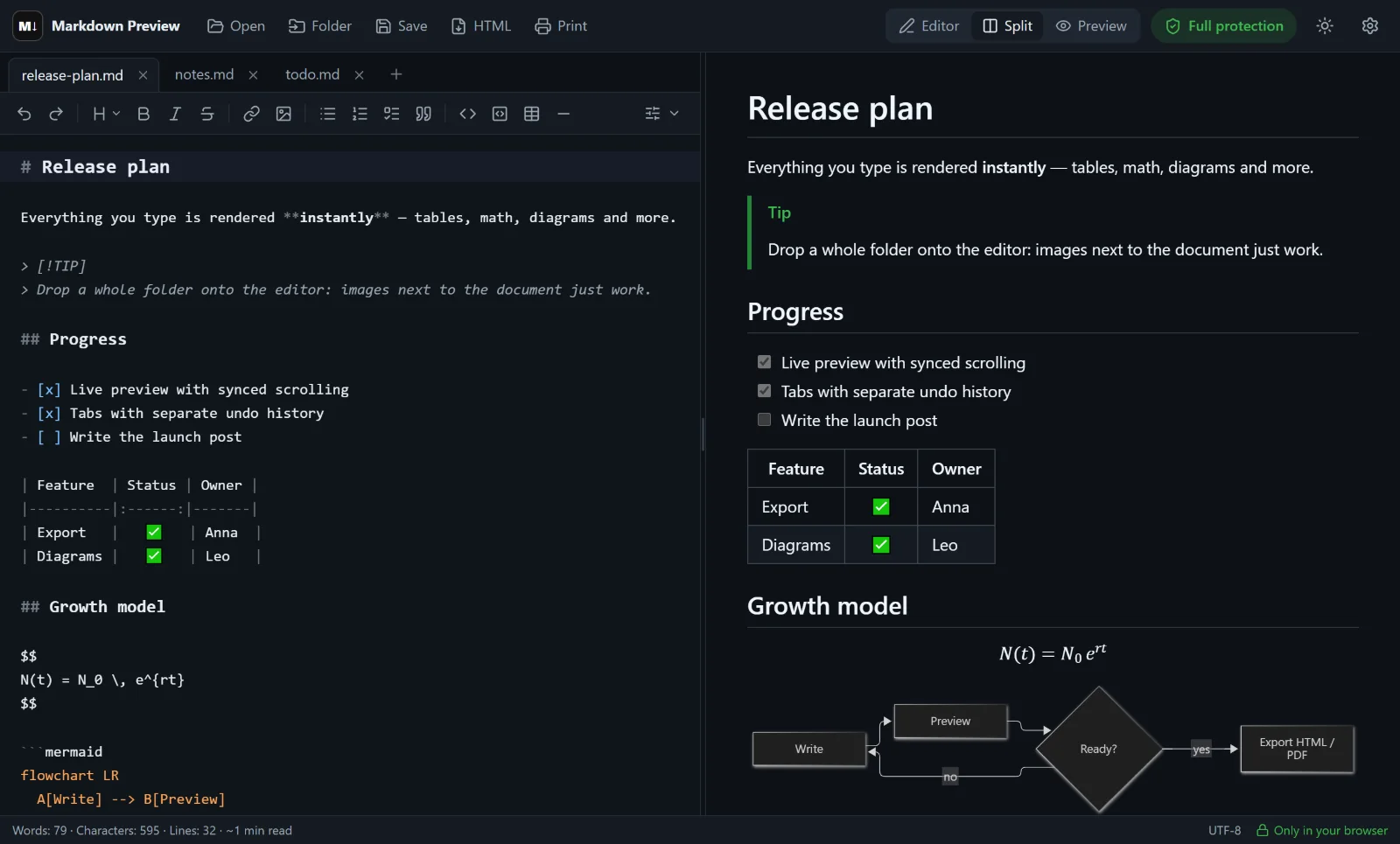
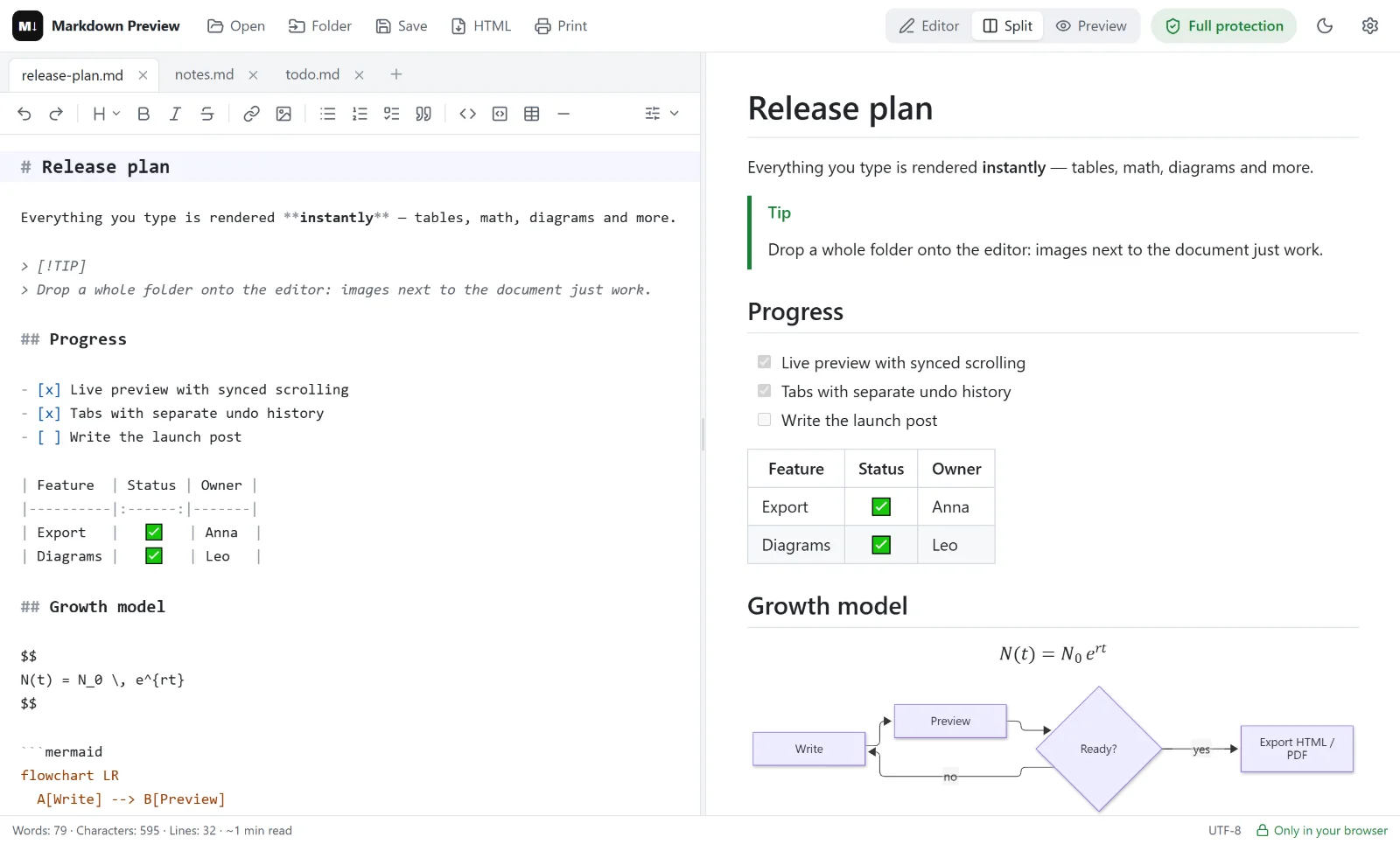
Desktop: tabs, formatting toolbar, synchronized split view.
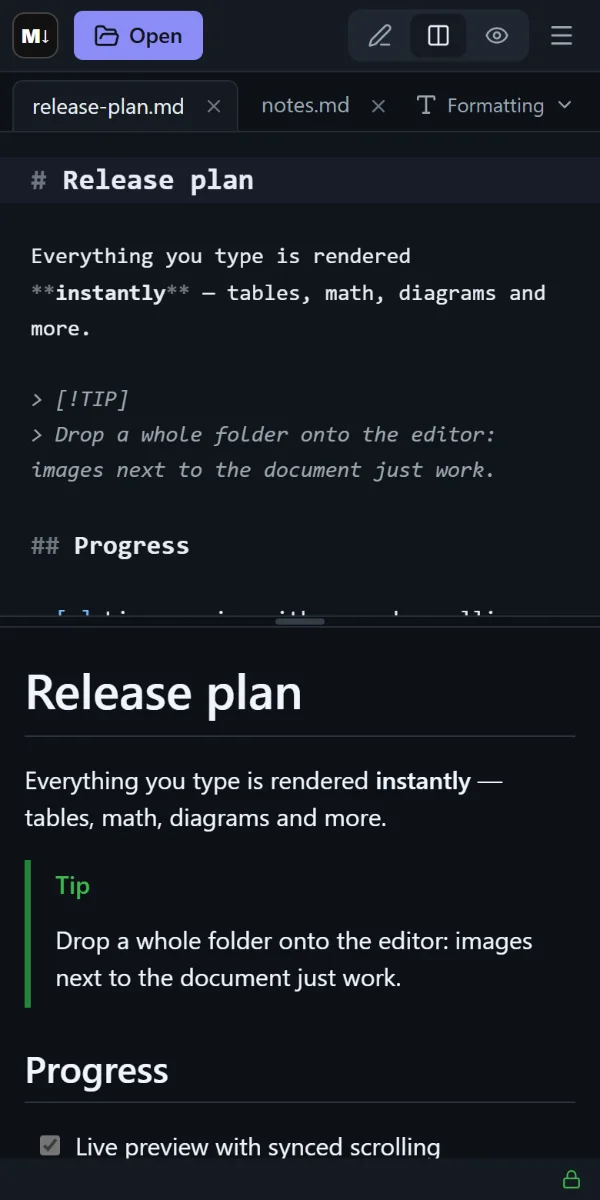
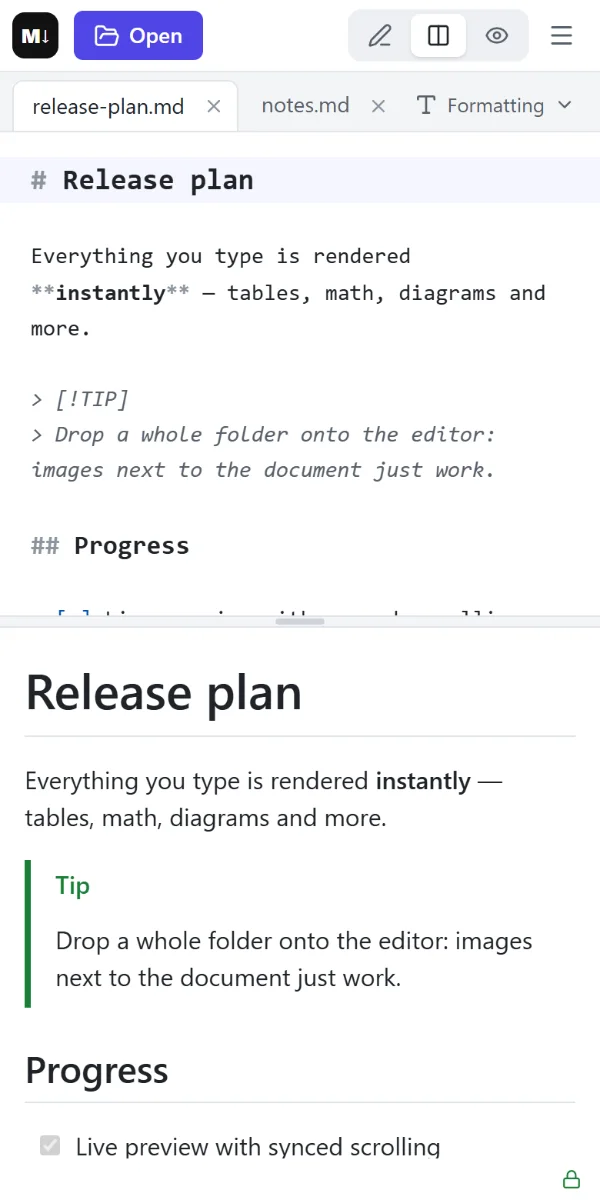
Phone: one tap to switch views.
There is no server doing the work. The editor is a set of static files, and everything — opening, rendering, exporting — happens inside your browser tab.
Your .md fileFrom your disk, a folder or the clipboard
Rendered in your browserMarkdown, math and diagrams on your device
Saved where you choose.md, HTML or PDF — straight to your computer
Get the ready-made site archive from the latest release — a zip or tar.gz of static files.
Extract it into your domain or subdomain folder with the hosting file manager or FTP. The included .htaccess sets up HTTPS and caching.
Open your domain. That’s it — an editor for you and your team, on your own address.
Yes. It is free and open source under the MIT license. There are no paid plans, no ads and no sign-up. You can use the online version or host your own copy.
No. It runs in any modern browser — open the online version and start typing. If you want your own copy, download the ready-made site archive and upload it to any web hosting; no database or server-side code is needed.
No. Files are opened and rendered right in your browser. The documents stay on your device and are kept only in the open tab unless you turn on “Remember documents” in the settings.
GitHub-Flavored Markdown: tables, task lists, strikethrough, autolinks, footnotes and alerts. On top of that: syntax highlighting, KaTeX math, Mermaid diagrams, emoji shortcodes, highlight, subscript, superscript and front matter.
Yes. Export a self-contained HTML file with styles and local images embedded, print or save as PDF through the browser, or save the Markdown source as a .md file.
Yes. The layout adapts to small screens: switch between editor, split and preview with one tap, and open the formatting toolbar only when you need it.
Practical, copy-ready guides — from the basics to math, diagrams and self-hosting.
A practical Markdown cheat sheet covering headings, lists, links, images, code, tables, task lists, alerts and footnotes — with copy-ready GitHub-flavored examples.
How-toLearn the easiest ways to preview Markdown online with a live side-by-side view, what features to look for, and how to open files and folders straight from your computer.
TutorialWrite inline and display math in Markdown with LaTeX syntax. Fractions, roots, sums, matrices, aligned equations and common pitfalls — with examples that render on GitHub and KaTeX.
TutorialDraw flowcharts, sequence diagrams, Gantt charts, state diagrams and pie charts directly in Markdown with Mermaid. Copy-ready examples and tips for readable diagrams.
How-toFour practical ways to turn Markdown into HTML or PDF — from a one-click browser export to Pandoc and VS Code — plus tips for page breaks, dark mode and images.
Self-hostingHost your own Markdown editor with live preview in minutes. Step-by-step instructions for shared hosting (cPanel), Docker, nginx and Caddy — no database or backend required.
Markdown Preview Editor is built in spare time and shared for free. A star on GitHub helps other people find it — and tells us to keep going.